Fake “Bank Alerts” on Your Phone: How Smishing Texts Trick Smart People
Smishing texts mimic delivery updates, bank alerts, and “unusual login” warnings. Learn the simple tells, why they work, and how to react safely in real life.
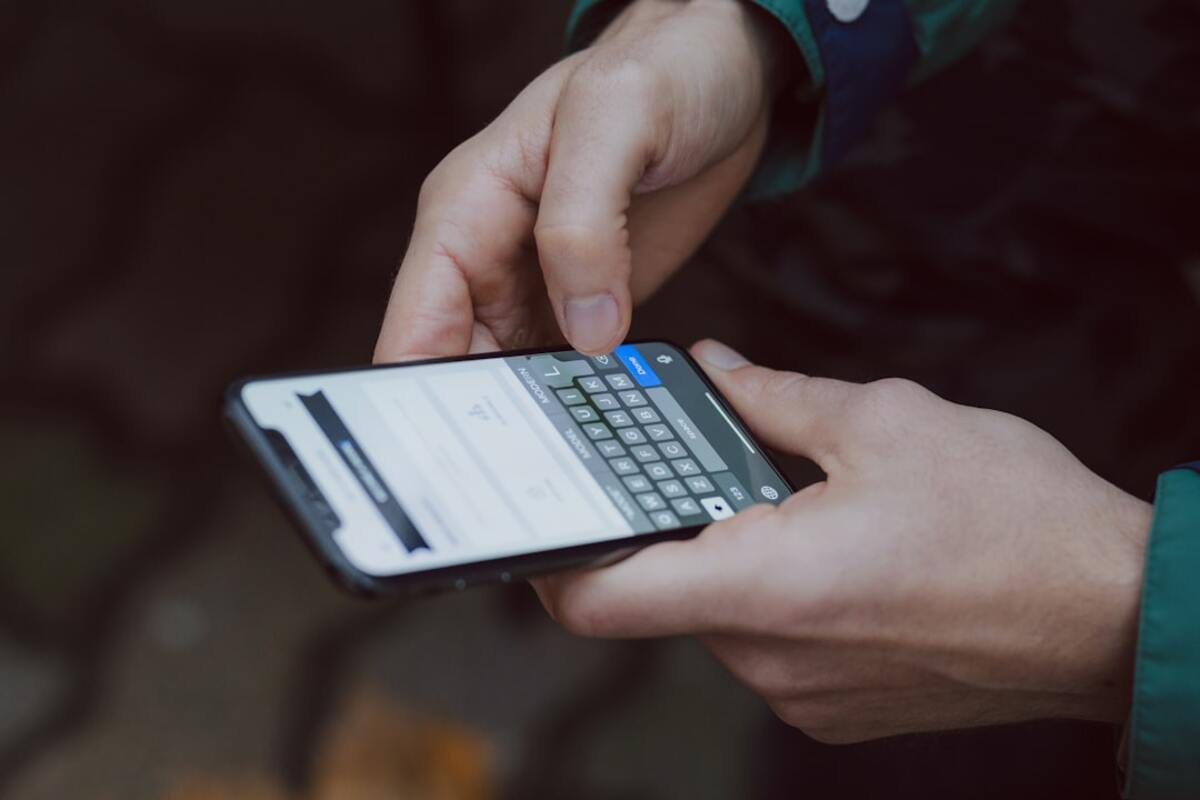
- Smishing works by creating urgency and pushing you to tap a link or call a number they control.
- The safest move is to avoid the text’s links and contact your bank/service using a trusted app or saved number.
- Modern scams often use real-looking sender names, short links, and personal details—so you need a process, not just “good instincts.”
The text looks official—until you notice what it’s really asking
You’re waiting for a package. Your phone buzzes:
“Delivery issue: address incomplete. Update within 2 hours or parcel will be returned. Track here: …”
Or you’re in a meeting and get this:
“BANK ALERT: Unusual charge detected. If this wasn’t you, verify immediately: …”
These are classic examples of smishing—phishing delivered by SMS/text message. The goal isn’t to impress you with hacking skills. It’s to get you to do something fast: tap a link, share a code, enter your card details, or call a number that puts you straight into a scammer’s script.
Smishing is popular because it fits perfectly into modern life. Text messages feel personal, urgent, and “small.” You don’t open them with the same skepticism you might reserve for a suspicious email. And because many legitimate companies do text you about logins, deliveries, and appointments, it’s easy for a fake to blend in.
Think of smishing like someone slipping a convincing note under your door that says, “Your building access will be disabled today—call this number right now.” The note might look real. The pressure is real. The only fake part is the person who wrote it.

How smishing actually works (and why it’s so effective)
Most smishing messages follow a simple recipe. Once you see the pattern, you’ll start noticing it everywhere.
- A trigger: something you care about—money, account access, a delivery, your job, your reputation.
- Urgency: a countdown, a threat, or a “last chance.”
- A shortcut: a link to click, a number to call, or a code to reply with.
Here’s what happens behind the scenes in the most common smishing paths:
1) The fake login page
That “verify your account” link leads to a website that looks like your bank, your email provider, a delivery company, or even your employer’s sign-in page. You type your username and password. The page might even show a “loading” spinner and then an error like “Try again.” Meanwhile, the scammers just captured your credentials.
2) The code-steal (2FA) trick
Even if you have two-factor authentication, scammers can still succeed by asking for the code. They may say, “Reply with the verification code to stop the transaction.” In reality, they’re trying to log in as you and need your one-time code to finish the job.
3) The “call us” trap
Some smishing texts tell you to call a support number. That number doesn’t belong to the bank or company—it belongs to the scammer. The conversation feels professional: “Can you confirm your full name and card number for verification?” They might send you a real-looking follow-up text during the call to make it feel official.
4) The tiny-payment scam
A delivery-themed smish often asks for a small “redelivery fee” (for example $1.99). People think, “It’s only a couple of dollars.” The fee is bait. The real goal is your card number and billing details, which can be used later or sold.
5) The contact takeover
Once scammers access an account (email, messaging app, social media), they can message your contacts while pretending to be you. That’s when smishing turns into “Hey, it’s me—can you send a code?” scams that spread through friend groups and workplaces.
Smishing also benefits from a psychological loophole: texts arrive where you already make quick decisions—while walking, cooking, commuting, or between tasks. Scammers aren’t trying to outsmart you. They’re trying to catch you busy.
Another reason smishing is rising: scammers can now personalize texts using leaked data. If a message includes your name, your bank, or the last four digits of a card, it feels “confirmed.” But personal details don’t prove legitimacy—they often prove your data was exposed somewhere.
| Smishing theme | What it claims | What it wants | A safer way to check |
|---|---|---|---|
| Bank/credit card alert | “Suspicious purchase” or “Account locked” | Login details, 2FA code, or a phone call | Open your bank’s app or type the official site yourself |
| Delivery problem | “Address incomplete” or “Fee required” | Card details or login | Use the carrier’s official tracking page from your order email/app |
| Work/IT message | “Password expires today” | Corporate credentials | Use your company’s known login portal or contact IT via official channels |
| Government/tax fine | “Immediate payment required” | Money or personal identity info | Go directly to the agency’s official website or call the published number |
A simple “pause-and-verify” checklist that works in real life
You don’t need to memorize every scam variation. Smishing changes its costume constantly. What works is a repeatable process—something you can do even when you’re busy and your brain wants to click.
Step 1: Treat the text as an unverified tip, not an instruction
Even if it looks right, assume it’s just a claim. The text is saying, “This is happening.” Your job is to verify it using a channel the scammer can’t control.
Step 2: Don’t use their buttons, links, or phone number
This is the big one. Smishing succeeds when you follow the path they built. If it’s a bank alert, open the bank app you already have. If it’s a delivery, open your shopping app or the retailer’s site. If you must call, use a number from the back of your card or from the official website (typed manually or bookmarked).
Step 3: Watch for “urgency language” that tries to skip your thinking
Phrases like “within 30 minutes,” “final notice,” “account will be suspended,” and “avoid legal action” are often used to make you act before you verify. Real companies do use deadlines sometimes, but they typically don’t demand immediate action through a random short link.
Step 4: Be suspicious of any request for a code
One-time codes are meant to be shared with no one. If a message says “Reply with the code,” that’s a bright red flag. A legitimate organization may send you a code, but they won’t ask you to text it back to “confirm your identity.”
Step 5: Notice the “almost right” details
Smishing often includes small imperfections that you only see when you slow down:
- Odd capitalization or slightly unusual phrasing (“Kindly verify immediately”).
- Generic greetings (“Dear customer”) when your provider normally uses your name.
- Shortened links or weird domains (extra dashes, misspellings, or unfamiliar endings).
- A sender name that looks official, but the content feels off.
Step 6: If you clicked, switch to damage control—not panic
People waste time feeling embarrassed. Scammers love that because it delays action. If you tapped a link or entered info, move immediately to the practical next steps:
- If you entered a password: change it right away on the real site/app, and change it anywhere else you reused it.
- If you gave a one-time code: assume the account may already be accessed; change password and review security settings and logged-in sessions.
- If you entered card details: freeze/lock the card in your banking app (if available) and contact your bank using a trusted number.
- If you installed something: uninstall it, run a mobile security scan if you have one, and check device admin/accessibility permissions.
Text sender names can be spoofed or manipulated in ways that make a message look like it belongs to an existing conversation. That’s why a familiar thread isn’t proof. The safer rule is: never trust the message path; trust only a path you initiate (your bank app, official website typed in, or a saved trusted number).
Text sender names can be spoofed or manipulated in ways that make a message look like it belongs to an existing conversation. That’s why a familiar thread isn’t proof. The safer rule is: never trust the message path; trust only a path you initiate (your bank app, official website typed in, or a saved trusted number).
Not at all. Copying the look of a login page is easy. The page is just paint; what matters is the address (domain) and whether you got there through a trusted route. A convincing design is often a sign you’re looking at a professionally reused scam template.
Not at all. Copying the look of a login page is easy. The page is just paint; what matters is the address (domain) and whether you got there through a trusted route. A convincing design is often a sign you’re looking at a professionally reused scam template.
Don’t interact with the text. Open the relevant app (bank, delivery, email) and check there, or navigate to the official site yourself. If it’s real, you’ll see the same alert inside your account. If you don’t see it, the text was likely bait.
Don’t interact with the text. Open the relevant app (bank, delivery, email) and check there, or navigate to the official site yourself. If it’s real, you’ll see the same alert inside your account. If you don’t see it, the text was likely bait.
One more practical tip: in everyday life, the most reliable “tell” isn’t grammar or a suspicious link. It’s whether the message tries to pull you out of your normal routine. Real security workflows are boring: open your app, sign in normally, check notifications. Smishing tries to replace that with a shortcut you didn’t ask for.
And if you want a small habit that pays off immediately: save official support numbers (your bank, mobile carrier, key services) in your contacts from a trusted source. When a scary text arrives, you’ll have a calm, known next step that doesn’t involve the scammer’s link.